Tell us how you teach
Tutoring, mentorship, recurring cohorts, structured classes or a growing team—your workflow shapes the setup.
An operational software ecosystem for modern institutions, including Arcona Academy OS and Arcona Organisation OS.
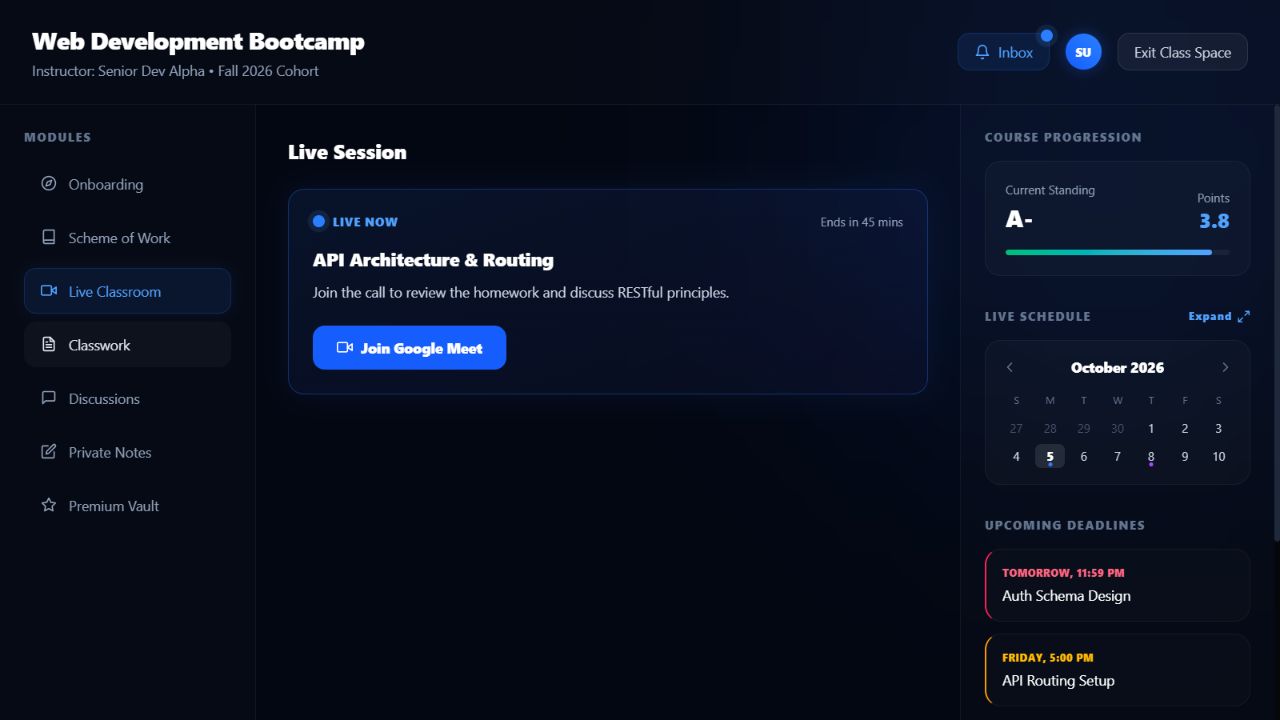
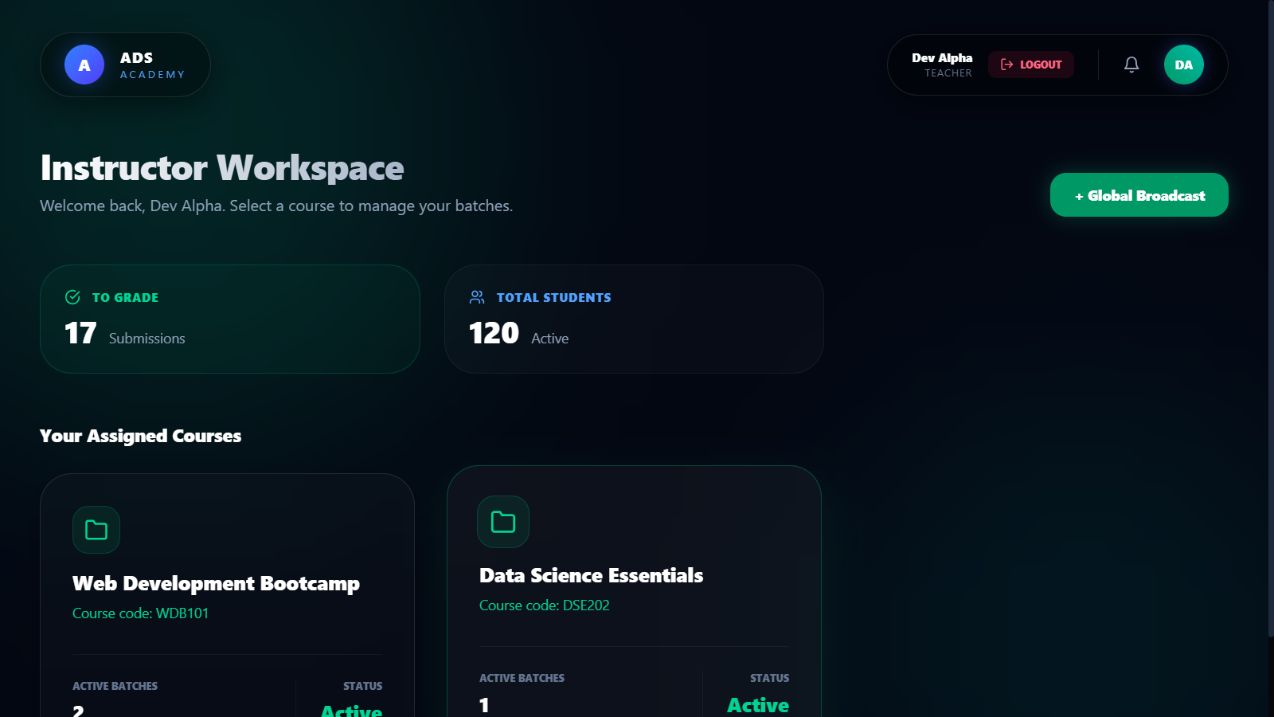
Arcona Academy OS brings students, instructors, classes and learning activities together so your programme feels structured from the first lesson to the final submission.
Arcona Academy OS is the specialised learning system within the broader Arcona OS ecosystem.
The ADS account opens Arcona OS and its shared utilities. Academy credentials then verify the institution, the person’s role and the courses or administration they are allowed to use.
Create and verify an ADS account in the Customer Portal, then use the same login for Arcona OS.
Sign in at app.arcona.arnoldsds.com and open Applications from the OS home.
Open Arcona Academy OS from the application library.
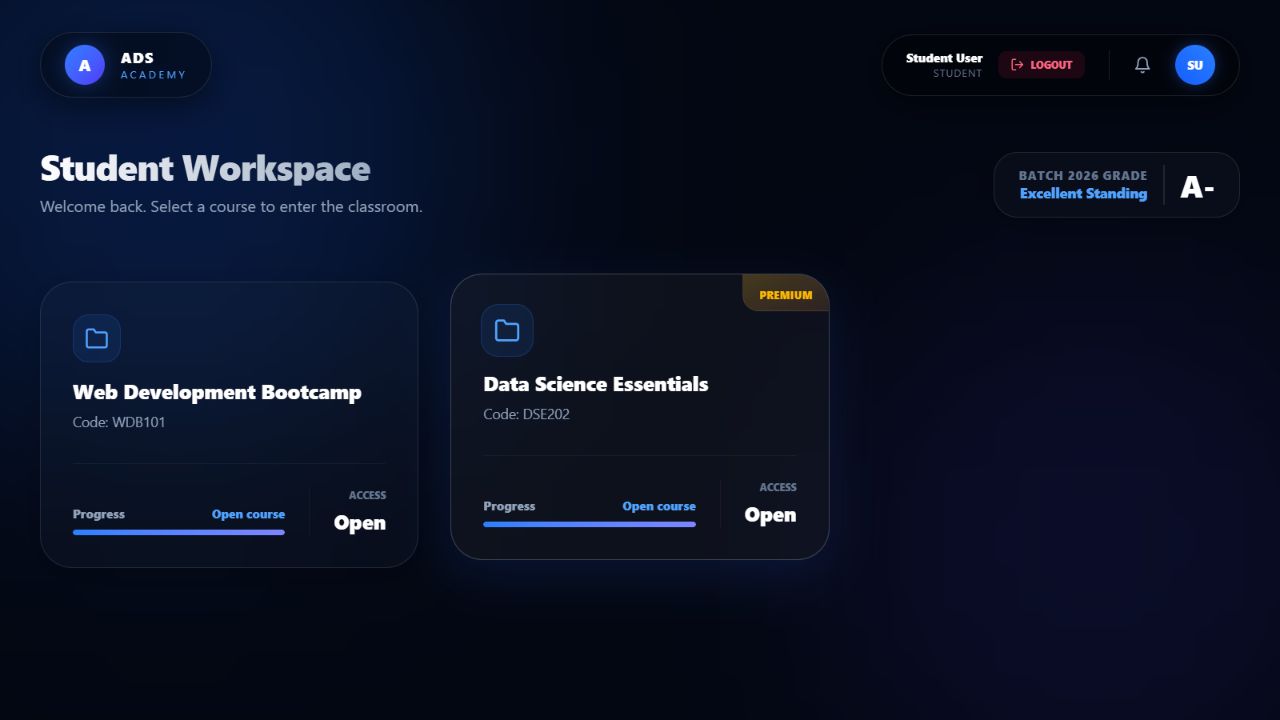
Select Student, Teacher, Academy Administrator or Academy Owner.
Use the Academy ID, issued email and workspace password. The backend opens the correct role experience.
Your setup is based on the modules and total capacity you need—not a new charge every time another academy student joins.
Tutoring, mentorship, recurring cohorts, structured classes or a growing team—your workflow shapes the setup.
Choose the Arcona Academy OS modules that support your actual workflow and leave out the noise.
Pick a fixed total capacity covering teachers and students, then get your learning space ready.
Share your workflow, module needs and expected number of people with us.
Talk to us about Arcona OS